Answer first
Check the code board before reset.
Start with the latest codes, then decide whether this is a save day or a spend day, then confirm the next hard upgrade gate.
Latest Kingshot answers
Start with the live code board, check whether today is a hold or spend day, and jump into the guide that solves your next real account bottleneck.
Answer first
Start with the latest codes, then decide whether this is a save day or a spend day, then confirm the next hard upgrade gate.
Spend or save
For older accounts, the biggest mistake is still spending gems, pulls, or speedups outside a strong hero or score window.
Main bottleneck
Open the planner when you need the next furnace or Town Center route, not another vague upgrade list.
Player route
Choose the task in front of you: claim rewards, decide resource timing, fix a blocked queue, or clear alliance prep before reset.
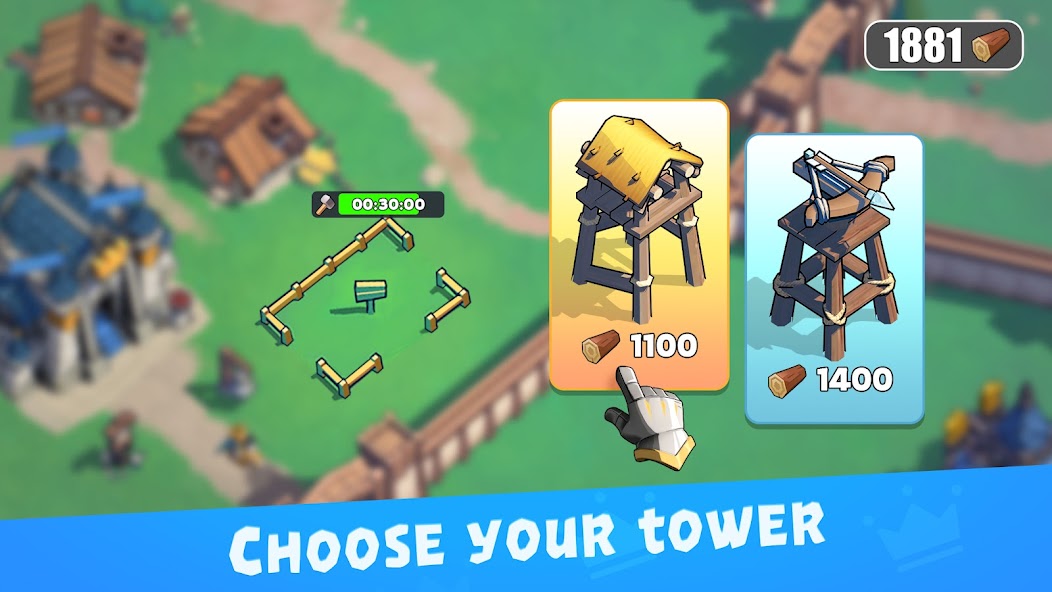
Use the daily desk to see reset pressure, fresh source checks, and your saved note before spending resources.
Live desk
Preparing the latest Kingshot watch...
This panel reads the tracked feed each time the homepage opens.
Store, code tracker, and official channel notes appear here when available.
View sourceLatest watch
Start here
Start with the clean code board so you do not waste attempts on expired campaign codes.
Open code boardQuick reset context, region watch, update signal, and one local memo in the same page.
Open daily deskUse the planner to name the next furnace or Town Center prerequisite before starting a long queue.
Open building plannerDaily tools
Open once a day, clear the practical checks, and leave with the next useful account action saved.
Start with current code checks before spending time elsewhere.
Hold gems, pulls, and speedups unless a strong score window is visible.
Turn your checklist, resource call, and next gate into a short note you can paste into chat or keep for the next login.
Guide library
Update desk
Must-read topics
Guide shortcuts
Type what you need, then open the matching guide directly.
Daily desk
Reset countdown, official watch feed, current focus, and a saved local memo.
Open pageReference
Working and expired codes with dates, notes, and fast copy buttons.
Open pageHero guide
What to pull, what to skip, and how to think by generation and role.
Open pageEvent guide
Weekly windows, gem logic, and which events deserve saved resources.
Open pageBuilding guide
Town Center chain, military supports, and the upgrade order that matters most.
Open pageStarter guide
What to rush, what to save, and how to avoid wasting early resources.
Open pageSupport
See update sources, code status policy, and where to send missing codes or corrections.
Open pageNo matching page yet. Try "codes", "hero", "event", "build", or "alliance".
Featured
Core guides
Official channels